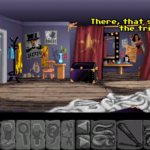

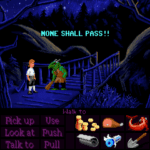

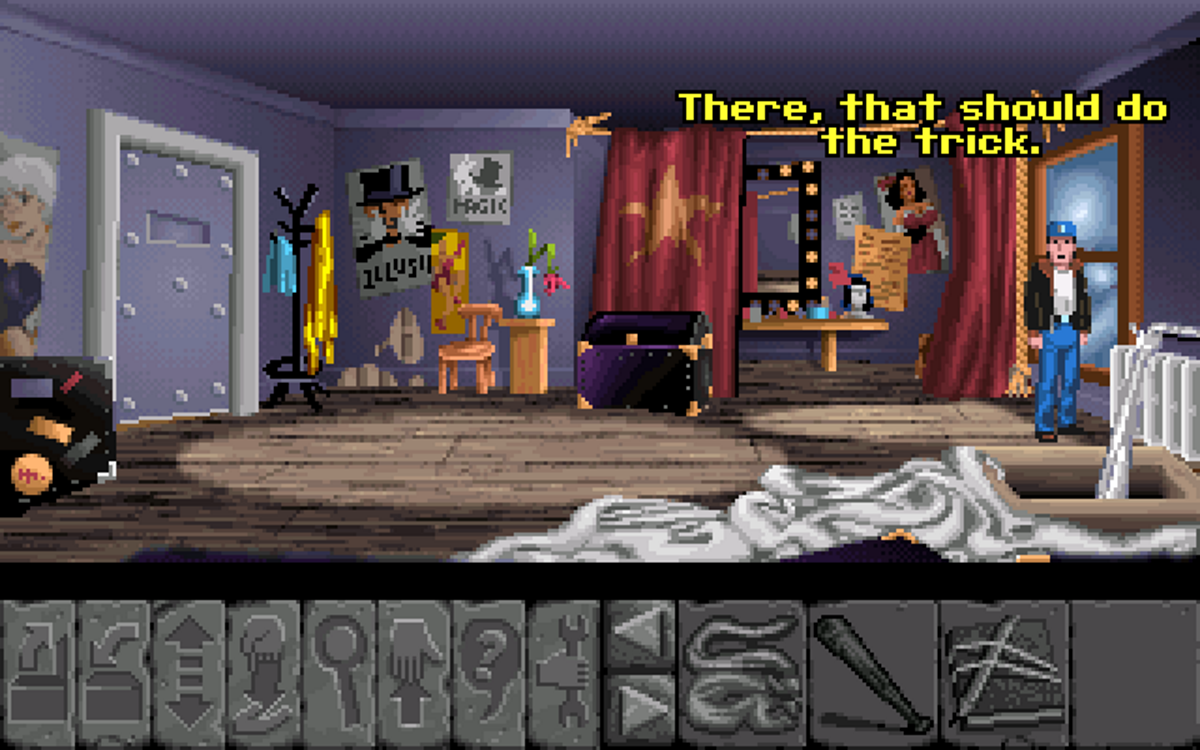
Most Raspberry Pi retro setups lean heavily towards arcade action. Load it up, pick a ROM, mash a button, repeat. That’s fine — but it also means one entire strand of classic gaming tends to get ignored.
Point-and-click adventures were, of course, about patience, curiosity, humour, and sometimes just sitting there staring at the screen while your brain quietly worked on a puzzle.
But, I’m sorry to say, in the age of modern interactive adventures, I drifted away from point-and-click.
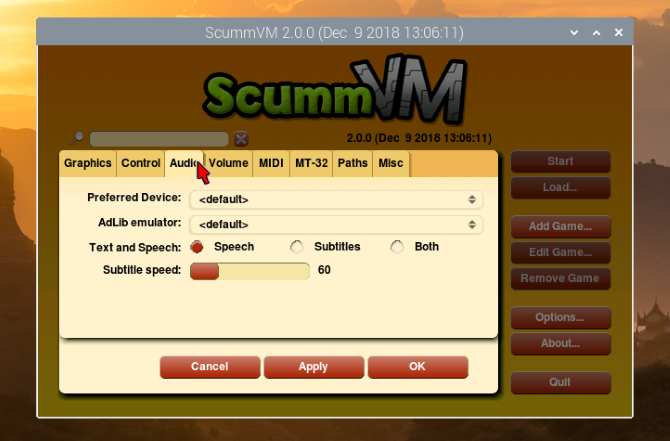
That changed when I started experimenting with ScummVM on a Raspberry Pi, an option that really brings an entire era of classic gaming back to life.
Rediscovering point-and-click adventures
There was a period when point-and-click adventures were everywhere. If you owned an Amiga or a PC in the late ’80s or early ’90s, they were unavoidable. The Secret of Monkey Island, Indiana Jones and the Last Crusade, Fate of Atlantis, Beneath a Steel Sky — all genuine mainstream hits.
Somewhere along the line, though, the genre slipped out of sight, and point-and-click became a bit niche. A bit like FMV (Full Motion Video) games. Not because the games stopped being good, but because the hardware moved on.
Running ScummVM on the Raspberry Pi felt like opening a door back into that era, and being able to save at any moment alone changes how playable they feel.
Why ScummVM makes sense on the Pi
ScummVM isn’t an emulator in the traditional sense. It reimplements the engines that powered adventure games, letting the original data files run in a modern, stable environment.
On the Raspberry Pi, this means:
- No fighting with DOSBox quirks
- No fragile old operating systems
- No worrying about exact CPU timings
Instead, the games run flawlessly, even though they’re decades old.
I found ScummVM ran comfortably on later Raspberry Pi models, particularly once connected directly to a display with a mouse and keyboard. This isn’t something you want to remote into — point-and-click adventures demand physical mouse control — the clue is in the name!
The quiet joy of freeware adventures
One of the nicest surprises was how many legally playable adventures are still available.
ScummVM supports hundreds of games, but I gravitated towards the freeware titles first — Beneath a Steel Sky, Flight of the Amazon Queen, Lure of the Temptress. These aren’t demos or cut-down curiosities; they’re full experiences, and they hold up remarkably well.
Downloading the CD versions where possible made a difference too. Voice acting, music, and cutscenes add texture that floppy-era memories often sanded down.
This is where the Raspberry Pi shines: a tiny, quiet box that can sit under your TV and quietly serve up a library of deep, story-driven games whenever you feel like slowing down.
Playing ScummVM games on the Pi, I think, strips away the pressure to “get through” them. Save anywhere, quit anytime, come back days later. They became something closer to interactive novels than traditional games.
Why you might want to try this yourself
If your Raspberry Pi is currently a retro arcade box, ScummVM adds an entirely different texture to it. You can stop worrying about frame rates or controller configs, and rediscovering a genre that once defined 16-bit gaming.
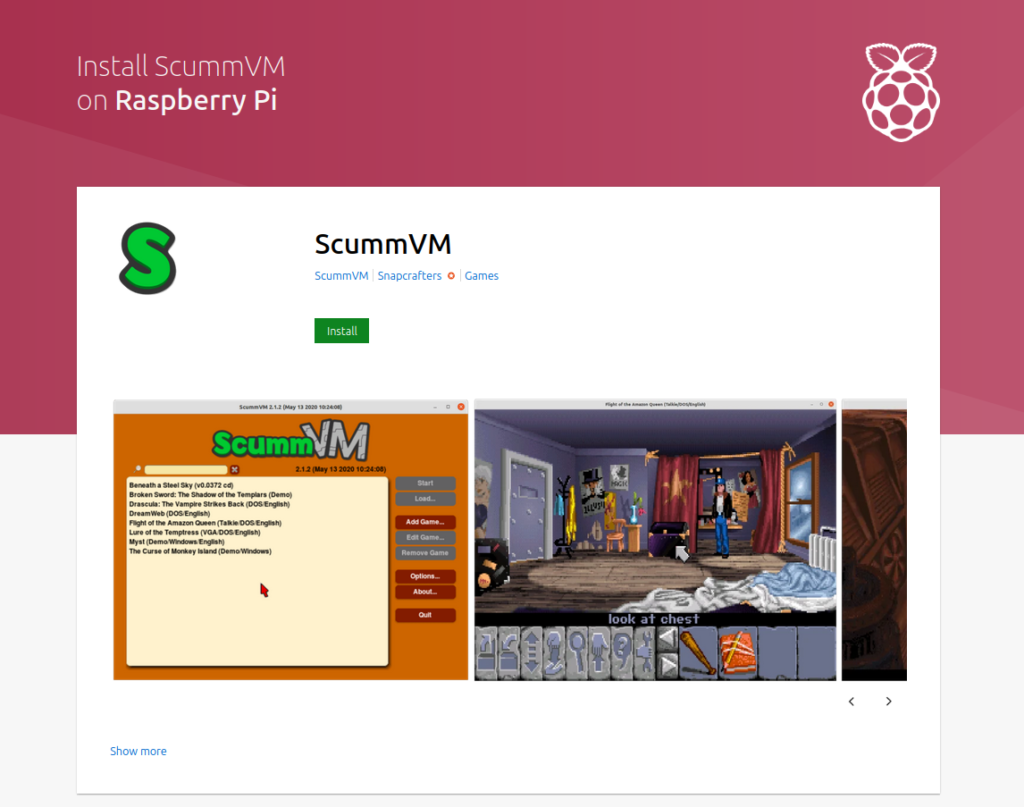
ScummVM for Raspberry Pi is available in the Snap Store.
Affiliate Disclosure: Some of the links in this post may be affiliate links, which means I may earn a small commission if you make a purchase through those links. This comes at no extra cost to you. Thank you for your support!

Christian Cawley is the founder and editor of GamingRetro.co.uk, a website dedicated to classic and retro gaming. With over 20 years of experience writing for technology and gaming publications, he brings considerable expertise and a lifelong passion for interactive entertainment, particularly games from the 8-bit and 16-bit eras.
Christian has written for leading outlets including TechRadar, Computer Weekly, Linux Format, and MakeUseOf, where he also served as Deputy Editor.
When he’s not exploring vintage consoles or retro PCs, Christian enjoys building with LEGO, playing cigar box guitar, and experimenting in the kitchen.