
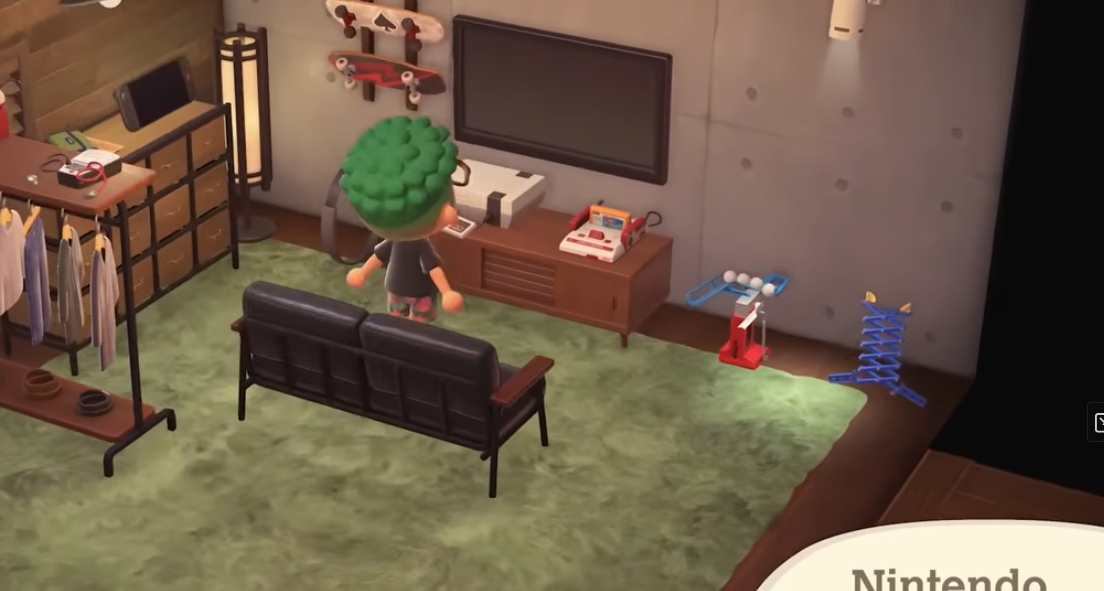
Animal Crossing: New Horizons has finally brought back one of the most nostalgic features from the series — playable retro games — with its free Version 3.0 update. But there’s a catch: unlike the classic GC original, you’ll need to work for these, and they’re tied to a Nintendo Switch Online subscription.
Here’s how it all works — and where to find every mini classic on your island.
What retro games are available?
There are six playable titles across seven classic systems brought into New Horizons. You can interact with these like furniture but only actually play them if you’re subscribed to Nintendo Switch Online.
| Console | Game You Can Play |
|---|---|
| Famicom | Clu Clu Land |
| Famicom Disk System | Ice Hockey |
| NES | Ice Climber |
| Game Boy | Dr. Mario |
| Super Famicom | Panel de Pon |
| Super NES (NTSC/PAL) | F-Zero (same title on both) |
Each plays just like the NES/SNES/Game Boy Classic apps on Switch — but with no save states or rewind features.
Step-by-Step: How to unlock the retro consoles in Animal Crossing: New Horizons
To get these retro games working, you’ll need to unlock and buy the console items themselves. Here’s how:
1. Update your game
Make sure your copy of Animal Crossing: New Horizons is updated to Version 3.0.0. Your Switch should prompt you if you’re online.
2. Build up your hotel
The key is the Resort Hotel on your island’s pier:
- Start welcoming visitors to the hotel.
- Decorate rooms and complete interior designs.
- Complete DIY Requests by dropping requested items into the box near Kapp’n outside the hotel.
Progressing through this content raises the hotel’s reputation — and that’s what unlocks new stock.
3. Unlock Grams’ special souvenir catalog
Once the hotel shop gains the Special tab (after decorating all 8 rooms, unlocking the VIP room, and completing enough DIY requests), talk to Grams inside the shop. You’ll now see retro Nintendo consoles available.
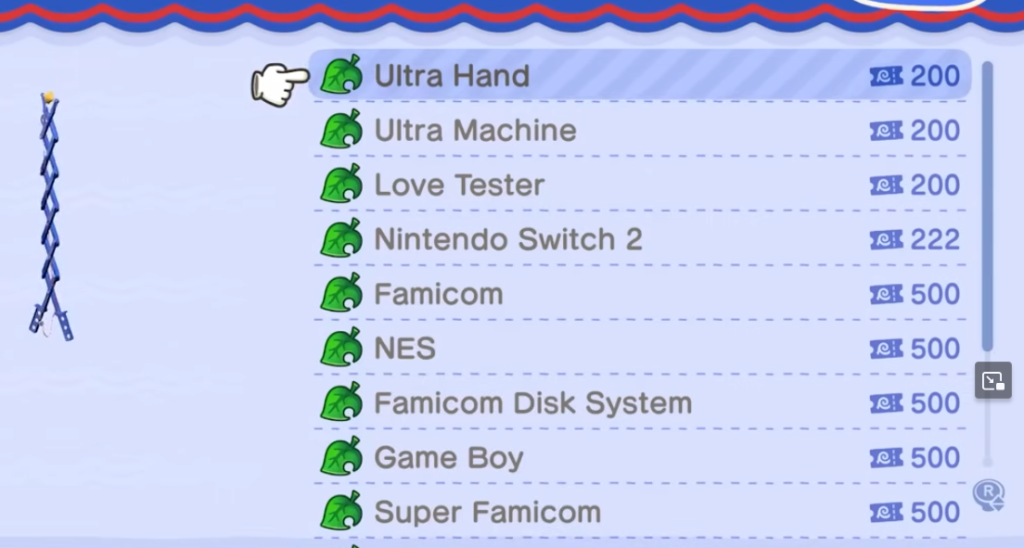
4. Buy classic consoles with Hotel Tickets
Each console costs 500 Hotel Tickets — the special currency you earn from crafting/design efforts and donations.
How to play the games
Once you’ve bought a console:
- Place it inside your house (or outside on your island).
- Walk up and press A to begin playing, just like interacting with any other furniture item.
You don’t need a TV or extra setup — the game interface pops straight up when you interact with the console.
Tips & things to know
- Nintendo Switch Online is required to actually play the retro games — otherwise they function as decoration.
- You can’t save progress or use features like rewind that are available in the standalone NSO retro apps.
- Some players feel it’s a neat nod to classic Animal Crossing but not as deep or full-featured as actually using the Switch Online apps — so don’t expect full emulation systems in your room.
A fun bonus!
Whether you’re a retro collector or just love a bit of nostalgia, New Horizons’ retro games are a fun little bonus — and a great reason to keep working on that island hotel. Just don’t forget: if your goal is full retro-game play, Nintendo Switch Online still gives you more options outside the game itself.
Affiliate Disclosure: Some of the links in this post may be affiliate links, which means I may earn a small commission if you make a purchase through those links. This comes at no extra cost to you. Thank you for your support!

Christian Cawley is the founder and editor of GamingRetro.co.uk, a website dedicated to classic and retro gaming. With over 20 years of experience writing for technology and gaming publications, he brings considerable expertise and a lifelong passion for interactive entertainment, particularly games from the 8-bit and 16-bit eras.
Christian has written for leading outlets including TechRadar, Computer Weekly, Linux Format, and MakeUseOf, where he also served as Deputy Editor.
When he’s not exploring vintage consoles or retro PCs, Christian enjoys building with LEGO, playing cigar box guitar, and experimenting in the kitchen.