


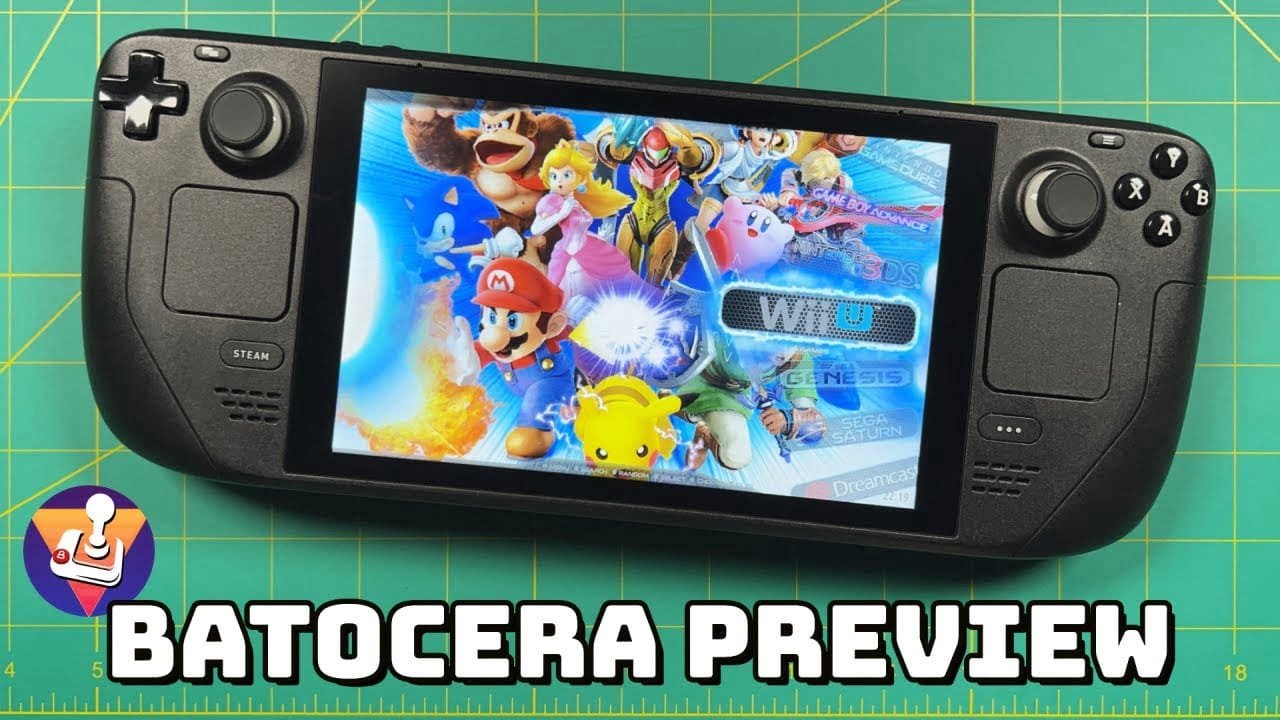
Bateocera 35 “Monarch Butterfly” is not available, with new features and the first Batocera Steam Deck build.
Unlike, say, RetroArch, however, Batocera is not available as an app. Instead, it must be installed on a microSD card and booted. This means you get to keep SteamOS and run Batoecera when you want access to its minimal-configration emulators.
Batocera 35 improvements
New features in Batocera 35 include:
- Support for all light guns out of the box
- Automatic NVidia config
- Touchscreen ES for handheld PC
- GamePark GP32, VTech Laser, Arduboy, Lowres-NX emulators
- New Joycon and Xbox bluetooth drivers
As you may know, Batocera is already available for standard computers, Intel-based Apples, Anbernic handhelds, Raspberry Pi, Odroid, Rockchip boards, and even older PCs from the 2000s. Making Batocera Steam Deck compatible makes sense.
But remember: Batocera is an operating system. The download is a full disk image, ready to be installed on any suitable device. For the other devices listed above, this usually means overwriting the existing OS. Steam Deck owners are pretty lucky the device has that microSD card slot, allowing Batocera to be launched without touching SteamOS!
Interested? Download the Steam Deck build of Batocera and see how it works out with your favourite retro games.
Affiliate Disclosure: Some of the links in this post may be affiliate links, which means I may earn a small commission if you make a purchase through those links. This comes at no extra cost to you. Thank you for your support!

Christian Cawley is the founder and editor of GamingRetro.co.uk, a website dedicated to classic and retro gaming. With over 20 years of experience writing for technology and gaming publications, he brings considerable expertise and a lifelong passion for interactive entertainment, particularly games from the 8-bit and 16-bit eras.
Christian has written for leading outlets including TechRadar, Computer Weekly, Linux Format, and MakeUseOf, where he also served as Deputy Editor.
When he’s not exploring vintage consoles or retro PCs, Christian enjoys building with LEGO, playing cigar box guitar, and experimenting in the kitchen.